
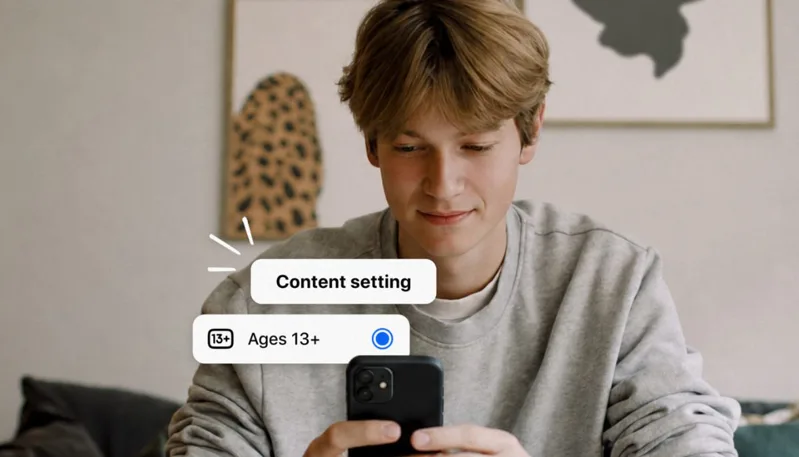
Meta, the parent company of Instagram, Facebook, and Messenger, has expanded its teen safety system globally, introducing new “13+ content settings” designed to give younger users a more controlled and age-appropriate experience across its platforms.
The update comes as social media companies face growing pressure worldwide to strengthen online protections for teenagers. Meta says the new system automatically applies stricter content filters to teen accounts, reducing exposure to sensitive material and limiting interactions with potentially inappropriate content.
The company is also introducing improved content recommendation controls aimed at preventing repetitive or harmful content loops in teen feeds, along with expanded supervision tools for parents and guardians.
With the rollout now expanding globally, users and parents can manually activate and fine-tune these protections in just a few steps.
Here’s how to turn on the new teen safety settings:
- Open Instagram, Facebook, or Messenger and log into the teen account
- Go to Settings & Privacy → Settings
- Tap Teen Accounts / Content Controls / Family Center (name may vary by app/version)
- Enable 13+ Content Protection / Teen Safety Mode
- Adjust restrictions for messages, comments, tags, and interactions
- (Optional) Activate Parental Supervision via Family Center
- Review and limit suggested content preferences
- Save settings and restart the app if needed
The update is part of Meta’s broader push to make its platforms safer for younger users while balancing personalization with stronger digital wellbeing controls.